.png?width=250&height=138&name=image%20(1).png)
Question: How can the duration of an encounter type used for the “Others” appointment type be changed on the appointment screen in PrognoCIS?
Answer:
Follow the steps below to modify the duration:
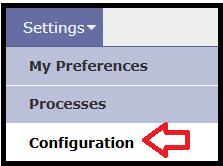
Step 1: Go to Settings >> Configuration.
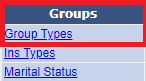
Step 2: Navigate to Groups >> Group Types.
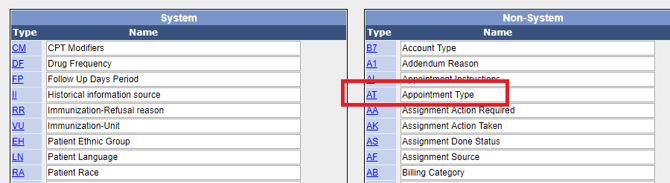
Step 3: Under the Non-System section, search for Type: AT and Name: Appointment Type.
Step 4: Double-click on AT, then select the encounter type (e.g., Meeting).
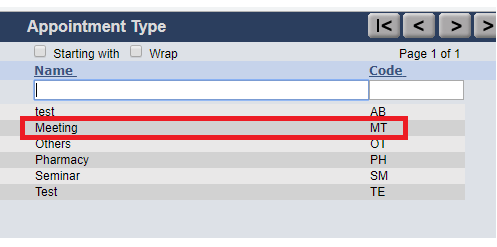
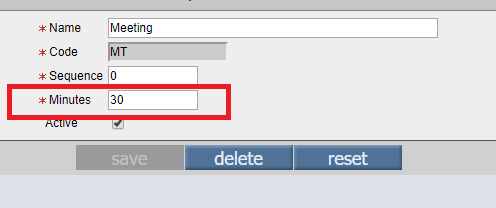
Step 5: Update the Minutes field with the required duration.
Step 6: Click Save to apply the changes